


I. Daily Cleaning: Precision Protection to Prevent Secondary Contamination
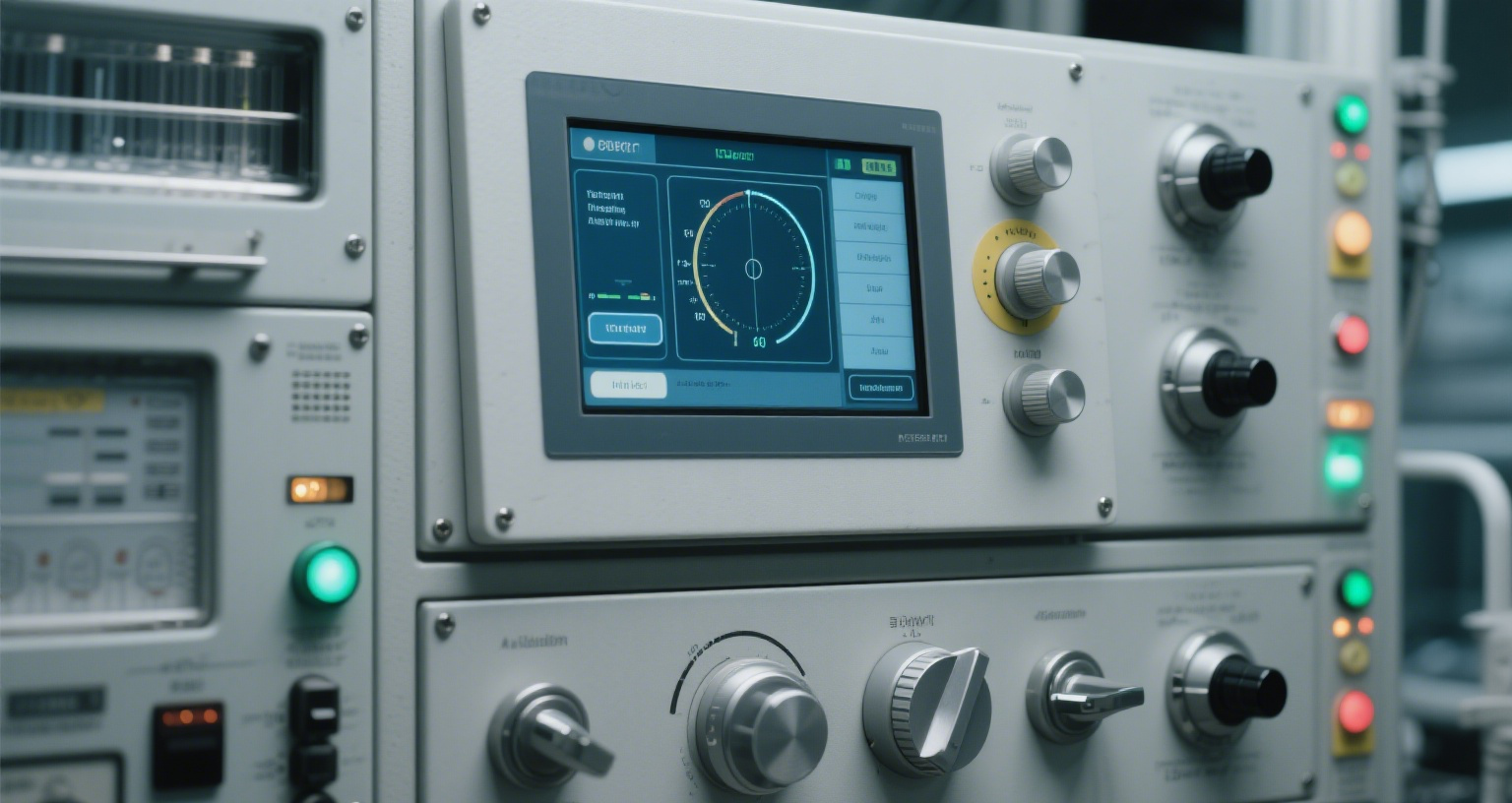
1. Choosing the Right Cleaning Tools
Medical-grade disinfectants: Prefer 75% medical alcohol or disinfectants containing quaternary ammonium compounds. Avoid chlorine- or phenol-based corrosive cleaners, which may damage the touch screen coating.
Lint-free materials: Use microfiber cloths to prevent fiber residue.
Anti-static tools: In dry environments, use anti-static brushes to remove dust from gaps and prevent particle scratches caused by static attraction.
2. Standard Cleaning Procedure
Power off: Always switch off the device before cleaning to prevent short circuits caused by static or liquid seepage.
Step-by-step cleaning:
Dry wipe: Use an anti-static brush to remove large dust particles.
Wet wipe: Spray disinfectant onto the cloth (never directly on the screen), then wipe gently in one direction.
Drying: Use a dry cloth to absorb residual liquid. Allow the screen to air-dry for five minutes before powering it on again.
Frequency control: For medical devices, clean 1–2 times daily. In high-frequency areas (e.g., operating rooms), increase to three times per day.
3. Handling Special Scenarios
Blood or fluid contamination: Immediately cover the affected area with absorbent material, spray enzyme-based cleaners (e.g., Ruowofu brand), let sit for 3 minutes, and wipe to prevent organic residue corrosion.
Glove residue: Latex gloves may leave sulfur compounds that cause coating oxidation or yellowing. Clean locally with isopropyl alcohol (≤30%).
II. Environmental Management: Building a Stable Operating Ecosystem
1. Temperature and Humidity Control
Ideal range: Temperature 15–30°C, humidity 40–70% (for medical use, 45–65% recommended).
Extreme conditions:
High temperature: Install fans or air conditioning to prevent internal component expansion.
Low temperature: Preheat the device to room temperature before use to avoid LCD crystal freezing.
High humidity: Use dehumidifiers or desiccants to prevent condensation and short circuits (especially in ICUs where humidity exceeds 75%).
2. Dust and Corrosion Prevention
Seal integrity check: Inspect screen seals monthly for aging or cracking. Replace any damaged parts promptly.
Anti-corrosion measures: In chemical or laboratory environments, use devices rated IP65 or higher, and install gas filtration systems to protect components.
3. Electromagnetic Interference Prevention
Layout optimization: Avoid connecting touch screens to the same power loop as high-frequency or high-power devices (e.g., motors or surgical tools).
Shielding treatment: For medical imaging equipment (CT, MRI), use barium-glass substrates or electromagnetic shielding coatings to reduce magnetic interference and touch drift.
III. Operational Standards: Cultivating Maintenance Awareness
1. Touch Pressure Control
Pressure threshold: For capacitive screens, apply ≤2N (≈200g) pressure to avoid deformation of the touch layer.
Sharp object prohibition: Do not use pens, keys, or other hard tools to operate the screen.
2. Multi-Touch Restrictions
Medical precision systems: For surgical robots and precision control systems, avoid multiple users touching the same area simultaneously to prevent signal interference.
Glove compatibility: Ensure latex/nitrile gloves ≤3mm thick to maintain touch sensitivity.
3. Handling Long Idle Periods
Sleep mode: If idle for more than 30 minutes, enable low-power sleep mode to reduce screen aging.
Periodic activation: Power on and operate the device for at least two hours per week to prevent capacitor degradation.
IV. Regular Inspection and Spare Parts Management
Industrial touch screen maintenance should follow a "Prevention–Inspection–Response–Improvement" closed-loop management system.
Through standardized cleaning, refined environmental control, operational training, intelligent diagnostic tools, and professional spare parts management, maximum equipment lifespan can be achieved.
In the medical sector, it's especially important to integrate infection control and data security into maintenance protocols to ensure both patient safety and operational efficiency.
CTA: Extend the Life of Your Industrial Touch Screens with HENGSTAR
Looking to improve the durability and reliability of your industrial touch screens?
HENGSTAR offers high-performance industrial-grade touch screen solutions designed for demanding environments like healthcare, manufacturing, and logistics.
Our fanless designs, rugged materials, and intelligent display technology ensure longer lifespan and stable performance.